

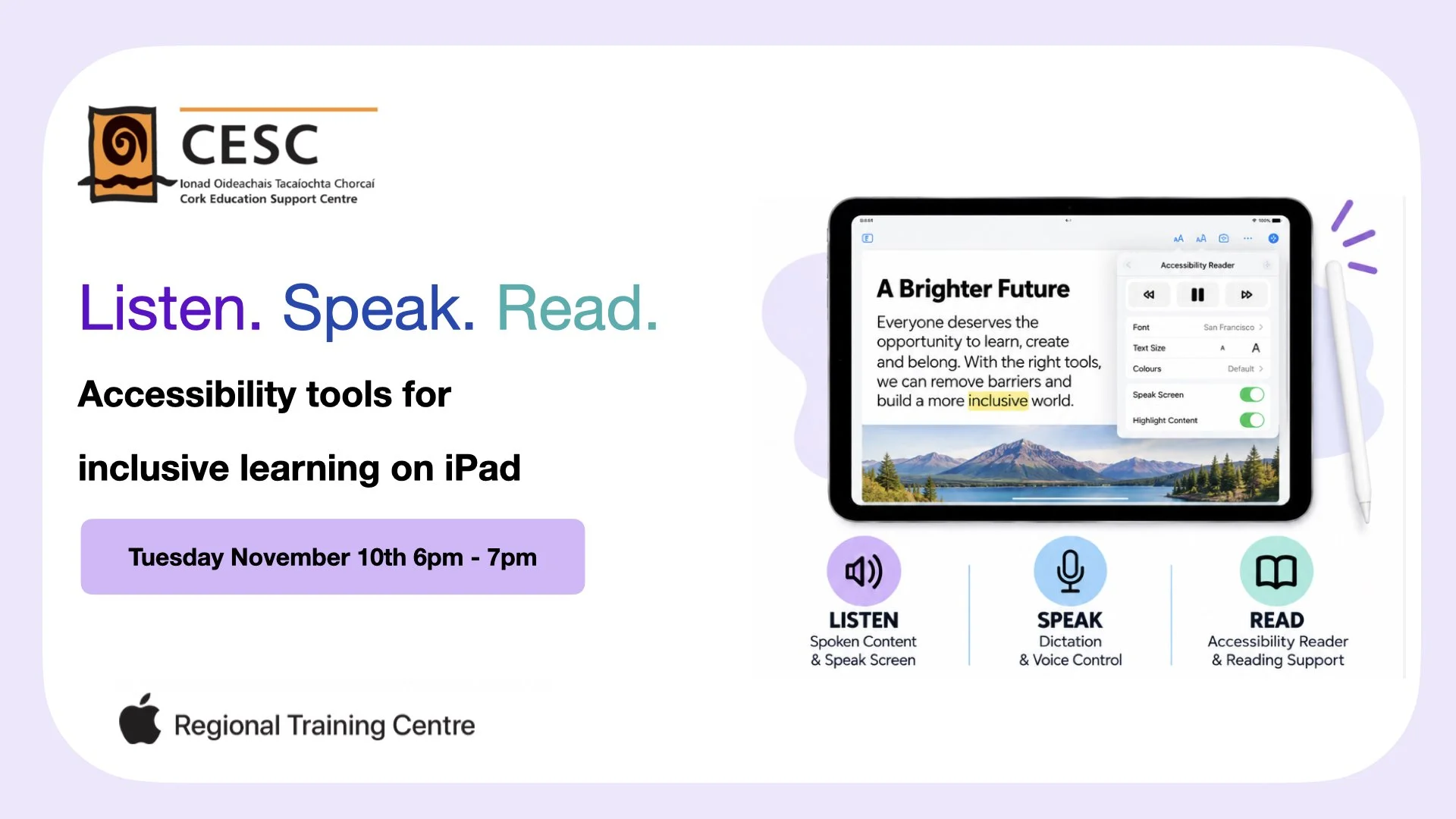
Accessibility tools for inclusive learning on iPad
By the end of the workshop, participants will be able to:
Explore built-in iPad accessibility features that support listening, speaking and reading.
Use tools such as Spoken Content, Speak Screen and Dictation.
Explore Accessibility Reader and other tools that support reading and comprehension.
Identify ways accessibility features can remove barriers to learning.
Apply accessibility tools to everyday classroom activities.
Develop strategies for creating more inclusive learning experiences for all students.
This workshop is suited to all teachers looking to use accessibility features on iPad in their classrooms.
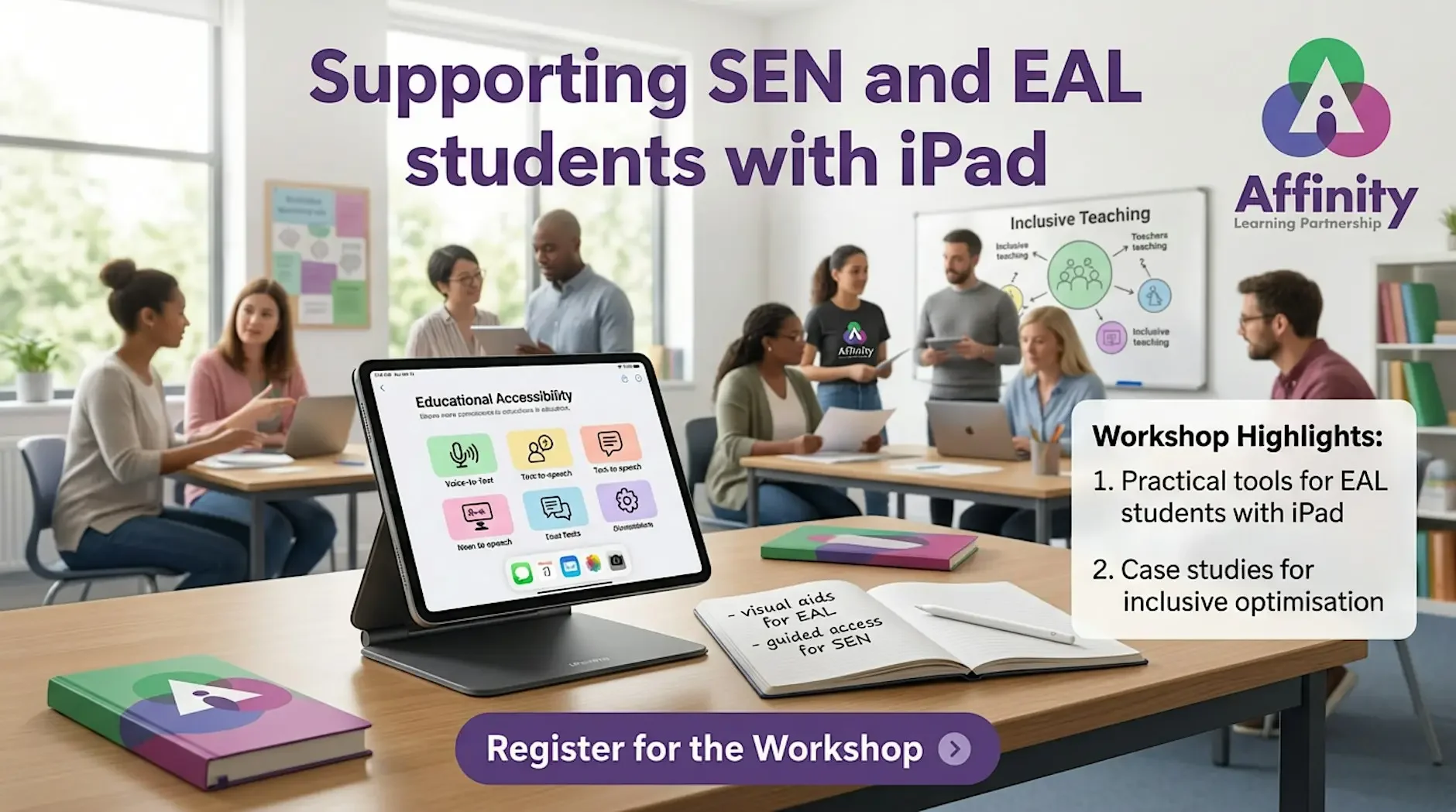
Supporting SEN and EAL students with iPad
Hear about lots of practical ways to leverage the power of iPad to support learners with a range of different SEN and EAL backgrounds,
A Parents Guide to Managing your iPad with JAMF Parent
Learn how to use Jamf Parent to support your child's use of their school-issued, Jamf-managed iPad at home.
This online session is designed for parents and carers whose child has been issued a school-managed iPad using Jamf. You'll learn how to use JAMF Parent to support your child's learning by managing their school device at home in a simple, safe, and effective way.
During the session, we'll cover:
Setting up and connecting the JAMF Parent app.
Understanding what you can and can't control on a school-managed iPad.
Pausing access to apps during homework, family time, or bedtime.
Creating routines that encourage healthy screen habits.
Using restrictions appropriately while ensuring your child can still access the learning resources they need.
Troubleshooting common issues and understanding when to contact your school's IT team.
By the end of the course, you'll feel confident using Jamf Parent to reinforce your family's digital expectations while working alongside your school's device management policies.
Who should attend?
Parents and carers of pupils with a school-issued, Jamf-managed iPad.
Prerequisites
A compatible iPhone or iPad (or supported Android device) with the Jamf Parent app installed.
Your child's school-issued iPad enrolled in JAMF School.
The pairing code or invitation provided by your child's school.
This course is delivered by Malton Apple Regional Training Centre (RTC) and focuses on helping families make the most of school technology while promoting responsible, balanced, and secure device use at home.