

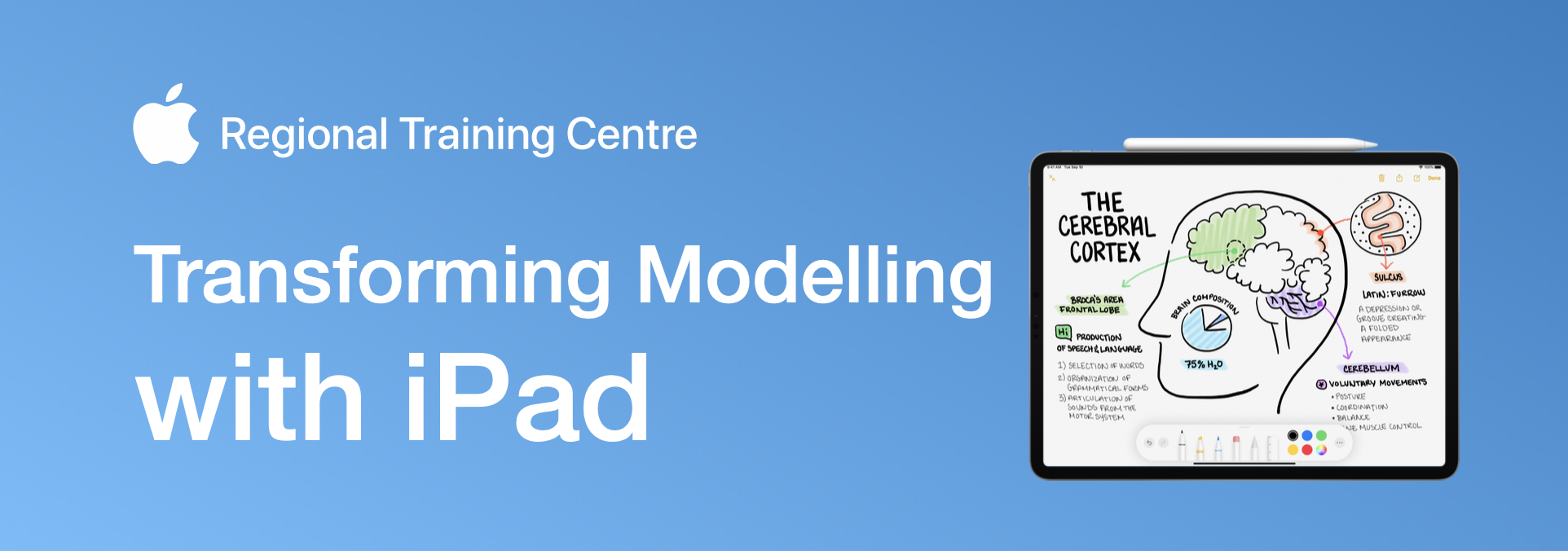
Transforming Modelling with iPad
Explore how iPad and Apple Pencil can strengthen key principles of effective modelling in the classroom.
Using built-in apps including Keynote, Freeform, Notes and Camera, the session will demonstrate practical approaches to live modelling, worked examples, annotation and visual explanation that make thinking more visible to learners.
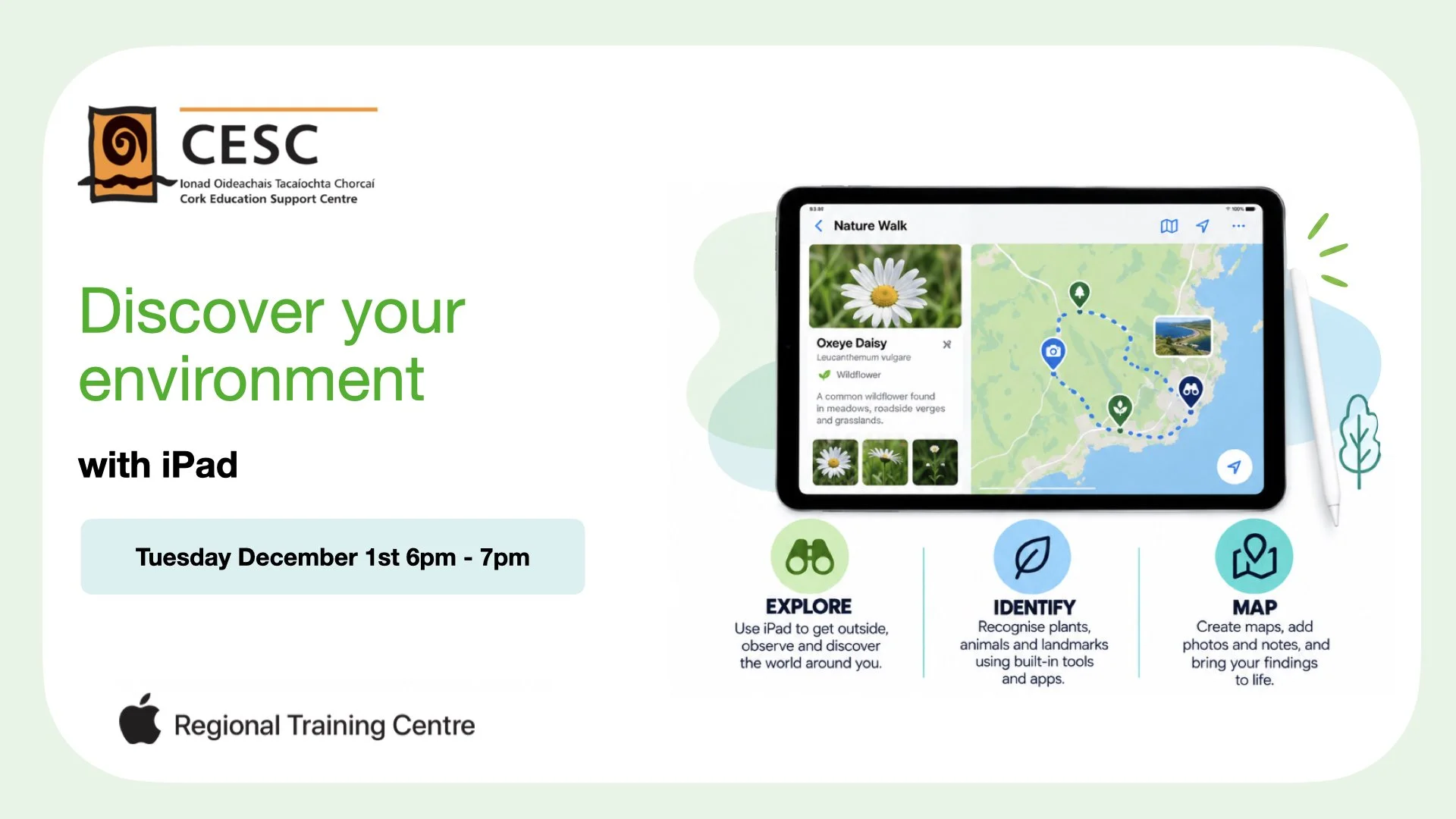
Discover Your Environment with iPad
By the end of the workshop, participants will be able to:
Use iPad to explore and document the environment around them.
Capture photographs, observations and evidence during outdoor learning activities.
Use built-in iPad tools to identify plants, animals and features of the local environment.
Use mapping tools to record and communicate discoveries.
Design engaging outdoor and place-based learning activities.
Connect real-world exploration with curriculum learning.
This workshop is suited to all teachers with an interest in exploring the environment outside the classroom walls with their class.
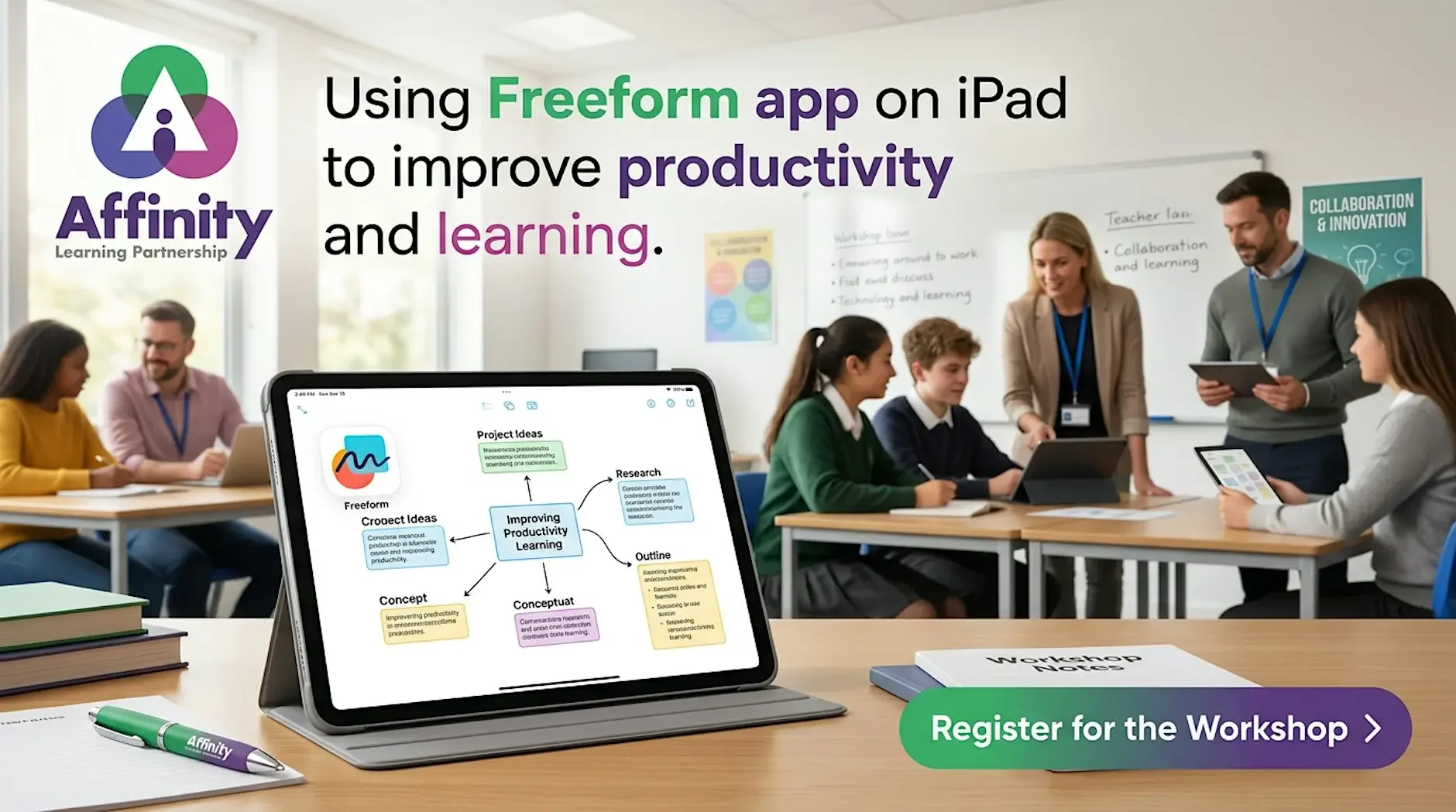
Using Freeform on iPad to improve productivity and learning
Discover how Freeform and iPad can help you to create learning resources, organise work and visualise new ideas in this session.
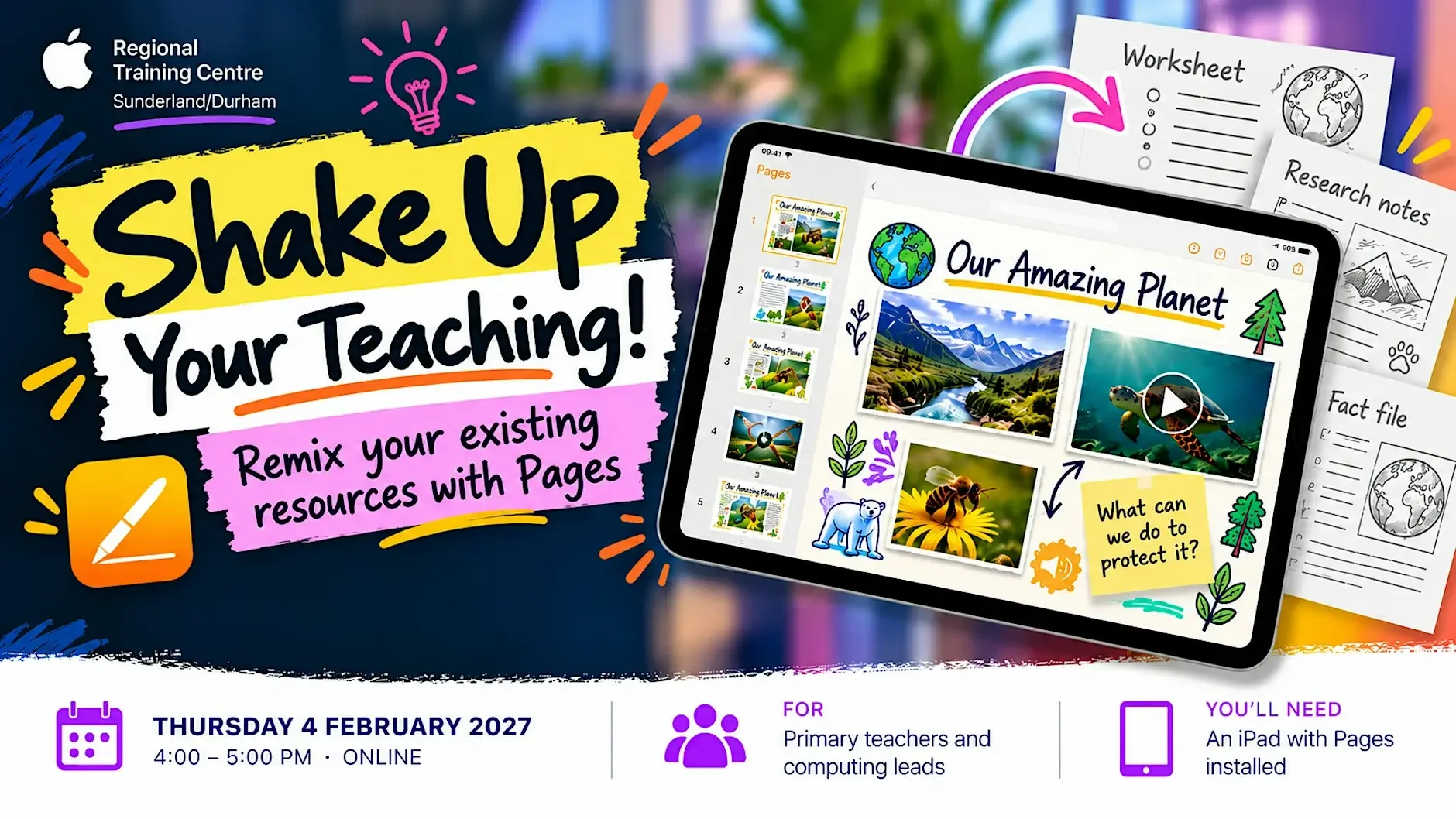
Shake Up Your Teaching! Remix Your Resources with Pages
Same content. Fresh approach. More opportunities for learners to engage, create and respond.
Ever looked at a worksheet or teaching resource you've used for years and thought, "There must be a more interesting way to do this"?
In this practical, hands-on session, we'll take familiar classroom resources and give them a creative remix using Pages on iPad.
Discover how to transform existing content into interactive, multimedia books that invite learners to do more than simply read information and answer questions.
By combining text, images, audio, video and drawings, we'll explore ways to capture pupils' interest, encourage them to interact with content and provide different opportunities to respond, explain their thinking and demonstrate what they've learned.
You'll create your own short interactive book and explore how the same approach can be adapted across the curriculum, without having to start from scratch.
Who is it for?
Primary teachers looking to refresh familiar classroom activities and create more engaging learning experiences, and computing leads seeking inspirational ideas to share with colleagues.
What you'll need
An iPad with Pages installed, ready to take part in the practical activities.
Smarter Teaching with MacBook Neo
Explore how MacBook Neo can simplify everyday teacher workflows while unlocking new opportunities for creativity.
The session combines practical ways to work more efficiently with hands-on use of built-in Apple tools to create engaging lesson resources and learning experiences.
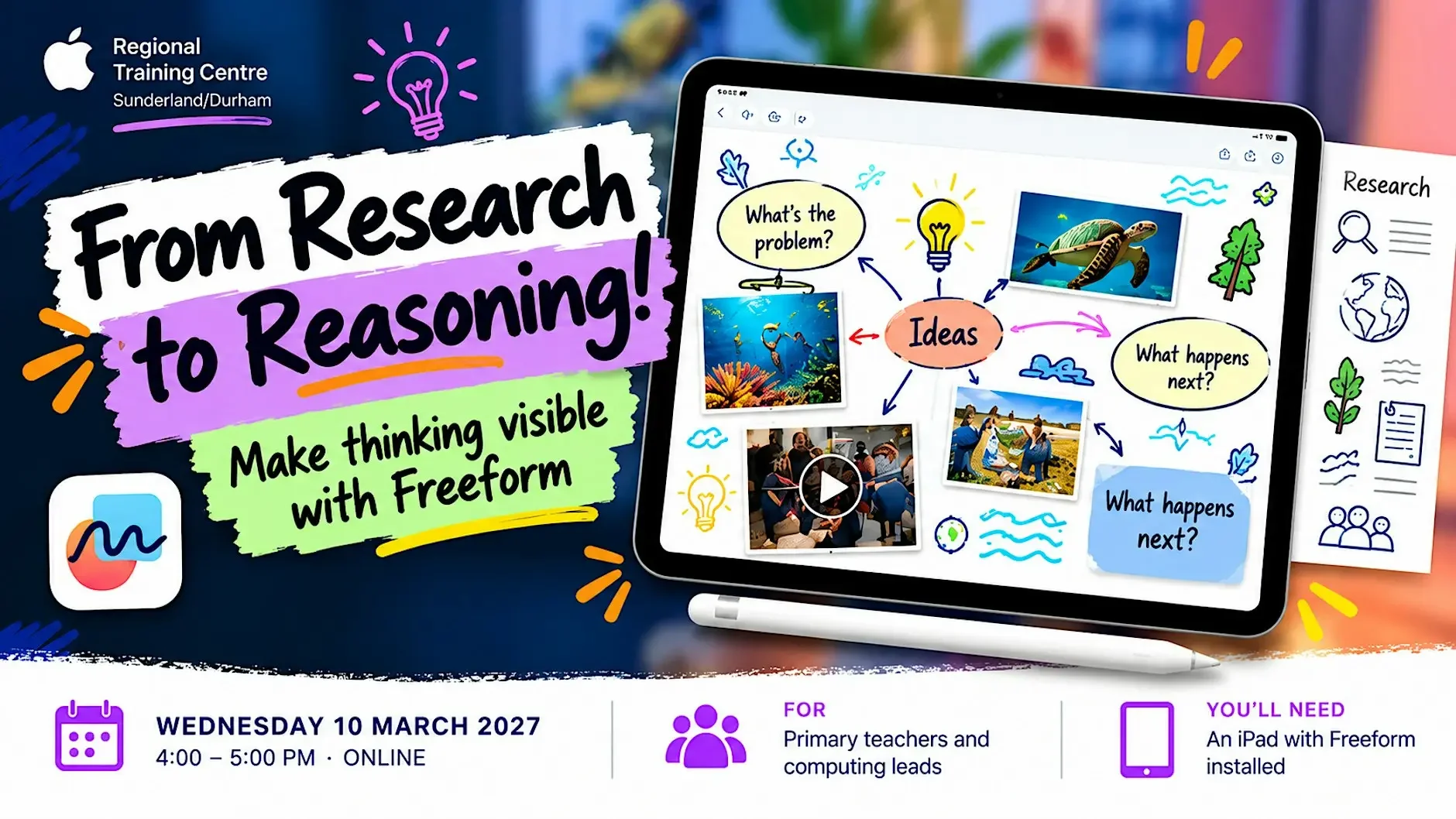
From Research to Reasoning: Make Thinking Visible with Freeform
Less copying and pasting. More questioning, connecting, discussing and thinking!
We’ve all seen it. Pupils are asked to research a topic online, and before long they’ve collected a mountain of information from websites. But how much of it have they really understood?
What if we could turn that familiar research activity into an opportunity for pupils to question information, share ideas, make connections and explain their thinking?
In this practical, hands-on session, we’ll explore how Freeform on iPad can transform internet research into a collaborative learning experience.
Starting with a research question, you’ll gather and evaluate information from online sources, then use a shared Freeform board to organise ideas, explore connections and build understanding together.
We’ll then use Freeform’s Scenes feature to turn the board into a presentation, creating a journey through the research that explains not just what we’ve discovered, but how we’ve reached our conclusions.
And because presenting is about more than showing what’s on screen, we’ll explore how pupils can develop their oracy skills by organising their explanations, communicating ideas clearly, justifying their conclusions and responding to questions from their audience.
Along the way, we’ll consider how this approach can encourage critical thinking, collaboration, purposeful discussion and digital literacy across the curriculum.
Who is it for?
Primary teachers looking to make research activities more purposeful and collaborative, and computing leads seeking practical ideas to share with colleagues.
What you’ll need
An iPad with an up-to-date version of Freeform installed, ready to take part in the practical activities.

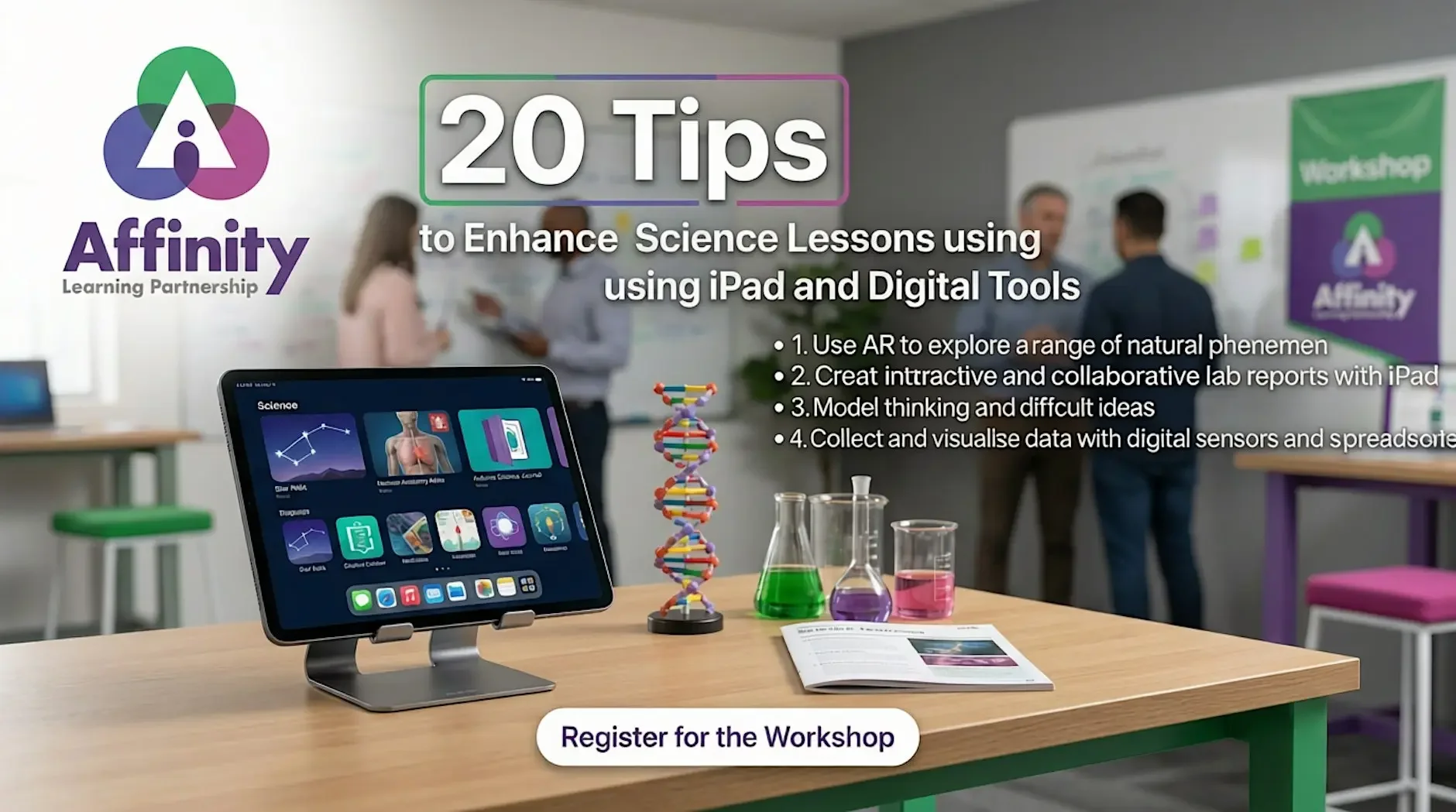
20 tips to enhance Science Lessons using iPad and digital tools
Explore a range of ideas to make Science lessons engaging and improve student understanding using iPad and a wide range of tools.
We will explore how to use iPad and a range of digital tools to support teaching & learning in Science lessons, including:
Use AR to explore a range of natural phenomenon
Create interactive and collaborative lab reports with iPad
Model thinking and difficult ideas
Collect and visualise data with digital sensors and spreadsheets
Ideas for effective use of AI
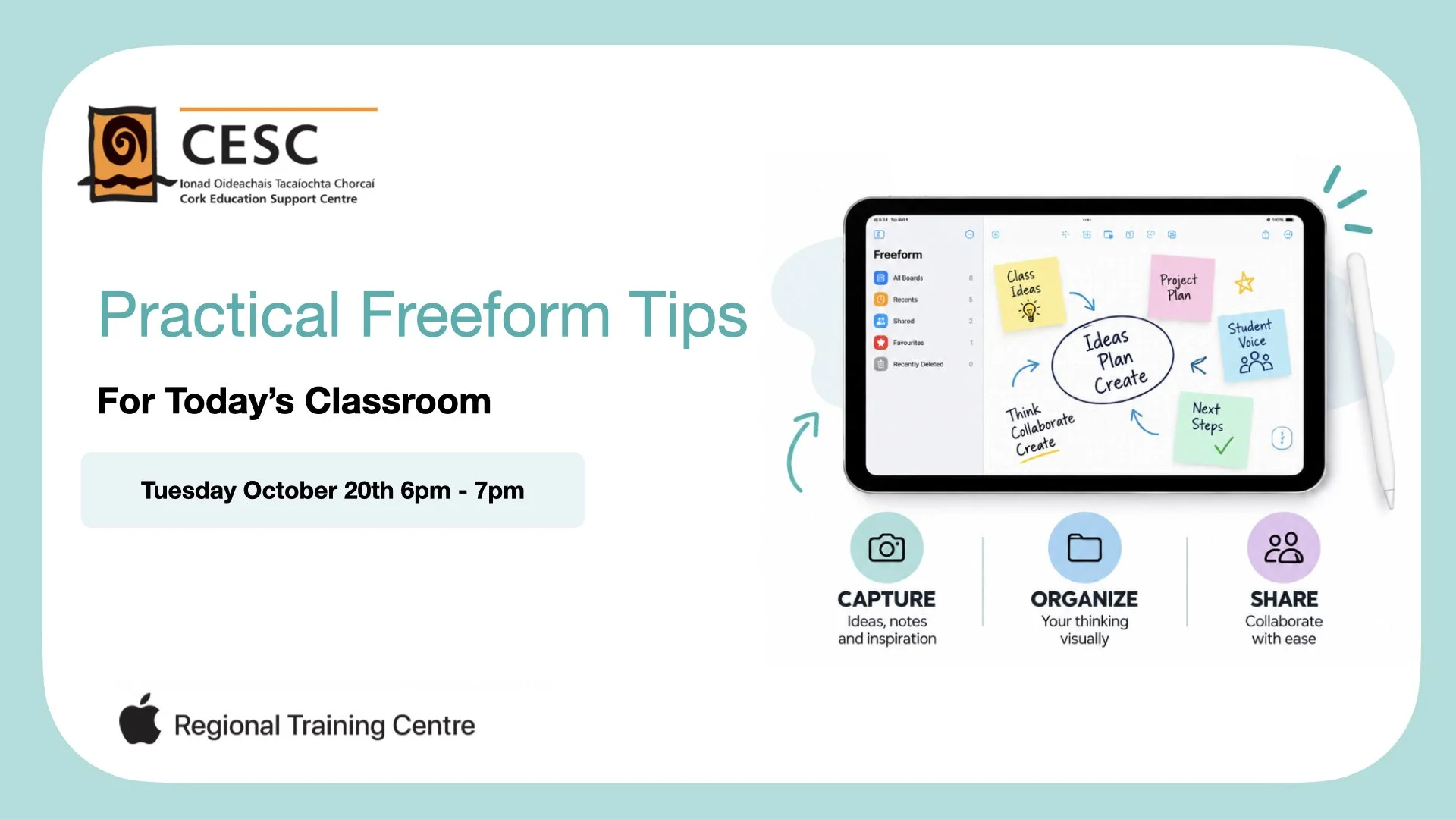
Practical Freeform Tips for Today’s Classroom
By the end of the workshop, participants will be able to:
Capture ideas, images, notes and resources using Freeform.
Organize information visually using boards, shapes, text, images and connections.
Create engaging visual planning and learning activities for classroom use.
Collaborate with students and colleagues using shared Freeform boards.
Share ideas and learning in flexible, creative formats.
Identify practical ways Freeform can support planning, brainstorming and project-based learning.
This workshop is particularly suited to second level teachers focusing on CBA and AACs. However, teachers across primary schools may also find this useful for their classroom.