

Courses
Filter by category
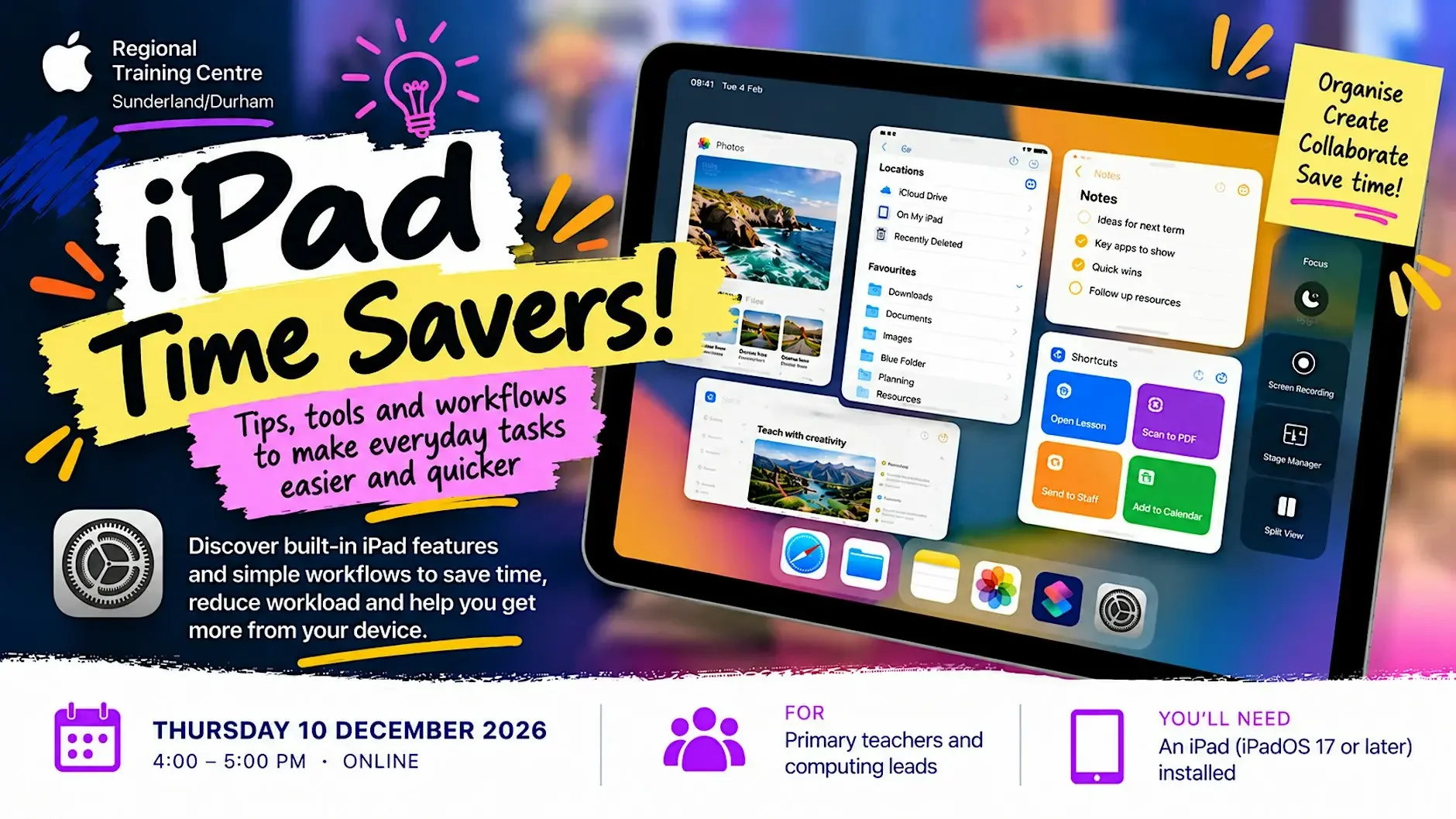
iPad Time Savers: Less Admin, More Teaching
Discover practical ways to save time and reduce everyday teacher workload using your iPad.
What kind of things are currently costing you valuable time?
In this practical, hands-on session, we'll explore some of the lesser-known iPad features that can help simplify everyday teaching tasks, from preparing and adapting resources to organising information, capturing content and sharing materials.
You'll have opportunities to try out the techniques during the session and consider how they could fit into your own teaching practice.
Who is it for?
Primary teachers and education professionals who already use an iPad and would like to work more efficiently, as well as computing leads looking for inspirational ideas to share with their colleagues.
What you'll need
An iPad running a reasonably recent version of iPadOS, with the opportunity to follow along and try things out.
Apple Teacher
Apple Teacher is a free professional development programme from Apple that introduces the basics of using iPad, explores productivity with Pages, Keynote and Numbers and then creativity with iMovie and GarageBand.
Over the two half-days, this course will work through all six ‘badges’ of Apple Teacher, enabling the attendee to gain their Apple teacher recognition by the end of the second workshop.